With the rise of language learning apps and digital tools, Netflix has emerged as an unexpected yet powerful resource for language learners. Streaming your favourite shows and movies can offer much more than just entertainment; it can immerse you in the authentic language, diverse accents, and real-world conversations that textbooks often lack. But to get the most out of Netflix for language learning, pairing it with the right tools and techniques is essential.
This article dives into how Chrome extensions like Language Learning with Netflix (LLN) and Subtly can enhance your experience, as well as how to effectively use popular language apps like Anki, Quizlet, and FluentU with Netflix content. Plus, we’ll explore actionable strategies for integrating Netflix into your daily or weekly language study routine to maximize your learning potential.
Chrome Extensions for Language Learning with Netflix
Watching foreign content on Netflix is an excellent way to immerse yourself in a new language. However, it can be challenging if you don’t understand every word. Thankfully, several Chrome extensions can help you learn a language more effectively while watching Netflix. These extensions make Netflix more interactive and provide tools to boost comprehension and vocabulary.
1. Language Learning with Netflix (LLN)
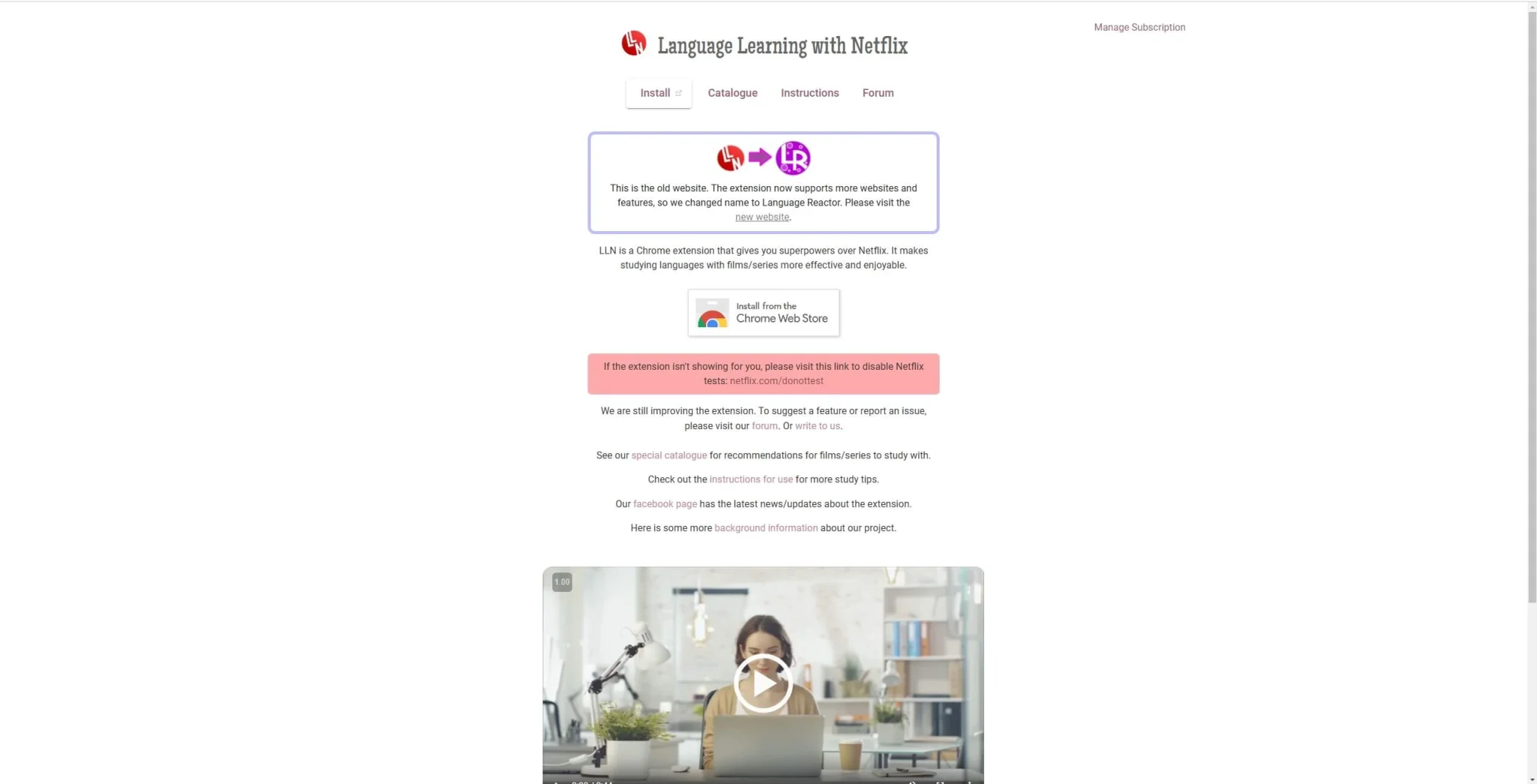
One of the most popular Chrome extensions for language learning is Language Learning with Netflix (LLN). This extension transforms the typical Netflix experience into an educational one by displaying dual subtitles, one in your target language and one in your native language. It enables you to read along in both languages, which can be incredibly useful for understanding context, idiomatic expressions, and tricky grammar points.
Key Features of LLN:
- Dual Subtitles: View both the original language subtitles and a translation in your native language. This allows for seamless learning without pausing the video frequently.
- Word Highlighting: Common words and phrases are automatically highlighted, which helps reinforce the vocabulary that appears frequently in the language.
- Built-in Dictionary: LLN comes with a pop-up dictionary that defines unfamiliar words directly in the subtitles, so you don’t have to leave the screen or search elsewhere for definitions.
- Playback Control: Slow down or loop parts of the video to focus on difficult phrases, making it easier to practice pronunciation and listening skills.
This extension is particularly useful for intermediate to advanced learners who are already somewhat familiar with the language but need extra support for better comprehension.
2. Subtly
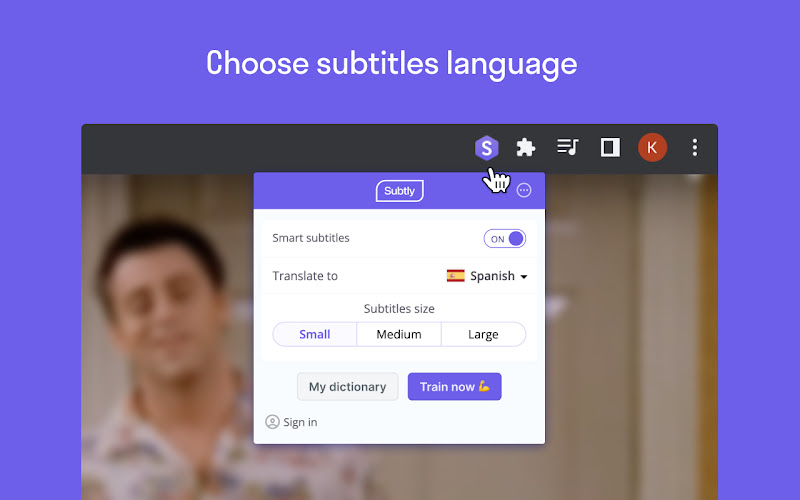
Another fantastic Chrome extension for language learners is Subtly. While LLN provides dual subtitles and a built-in dictionary, Subtly takes a different approach by focusing on vocabulary building. Subtly allows you to translate words from the subtitles into your native language with a single click. It’s great for quickly picking up new words and phrases while watching foreign-language content on Netflix.
Key Features of Subtly:
- Instant Translation: Click on any word in the subtitles and Subtly will provide an instant translation.
- Vocabulary Lists: You can save words you’ve translated into a personalized vocabulary list. This list can then be exported to other apps like Anki or Quizlet for review.
- Contextual Definitions: Subtly gives you definitions that are based on the context of the dialogue, helping you understand how words change meaning depending on their usage.
- Custom Study Mode: After watching, Subtly allows you to practice your saved vocabulary words in a quiz format directly within the app.
Subtly is a fantastic tool for beginners who want to expand their vocabulary while watching Netflix, as it focuses on gradual word learning rather than overwhelming users with too much information.
How to Use Tools like Anki, Quizlet, FluentU, and Jolii AI with Netflix Content
While watching Netflix is a great start, using spaced repetition tools like Anki and Quizlet or video-based language platforms like FluentU or Lingopie can take your learning to the next level. These apps help reinforce the vocabulary and grammar structures you encounter while watching TV shows or movies.
1. Anki
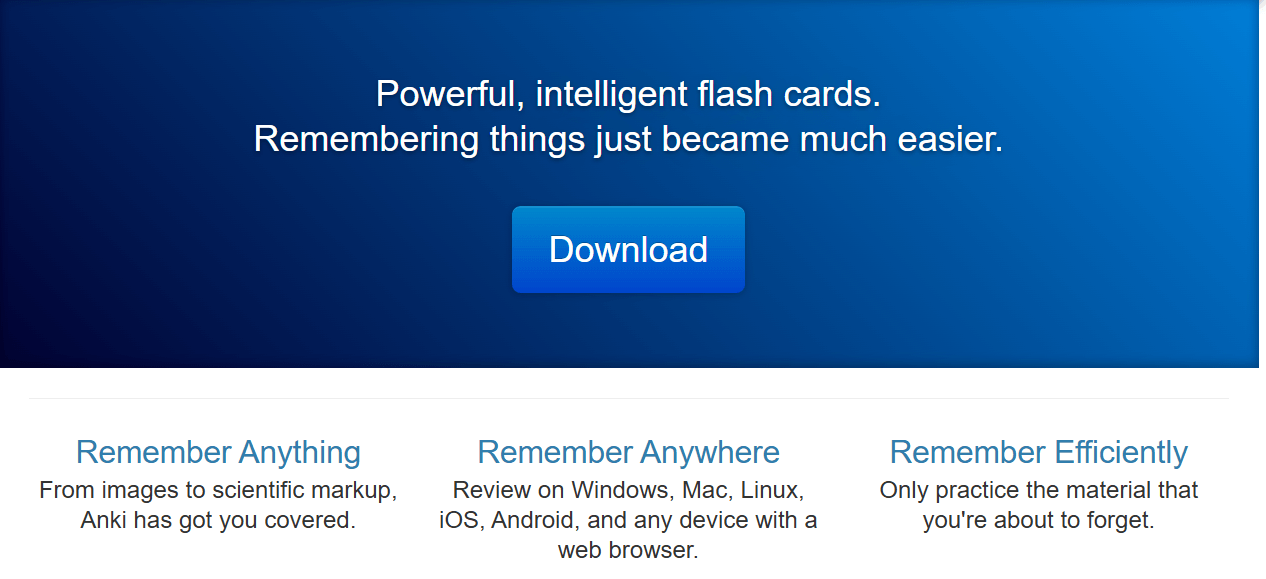
Anki is one of the most widely used spaced repetition apps, and it’s perfect for learning vocabulary. While watching Netflix, you’re bound to encounter words and phrases that are unfamiliar to you. Adding these to Anki will help ensure that you don’t forget them. The app uses an intelligent algorithm that spaces out your reviews at optimal intervals to maximize retention.
How to Use Anki with Netflix:
- Create Flashcards for New Vocabulary: Whenever you come across a new word or phrase on Netflix, add it to Anki. Include both the word and its translation, as well as any example sentences from the subtitles.
- Add Audio: If possible, extract audio clips from Netflix dialogues and add them to your Anki flashcards. This will help with pronunciation and auditory memory.
- Spaced Repetition: Review the flashcards daily or as per the spaced repetition schedule. Anki will remind you of the words just before you’re likely to forget them, ensuring that they stick.
By using Anki in tandem with Netflix content, you can reinforce vocabulary and ensure that the words and phrases you learn are retained over time.
2. Quizlet
Quizlet is another excellent app for creating flashcards, but it also offers a variety of engaging learning modes such as matching games and tests. Unlike Anki, which focuses heavily on spaced repetition, Quizlet makes learning more interactive and playful. It’s perfect for learners who prefer variety in their study methods.
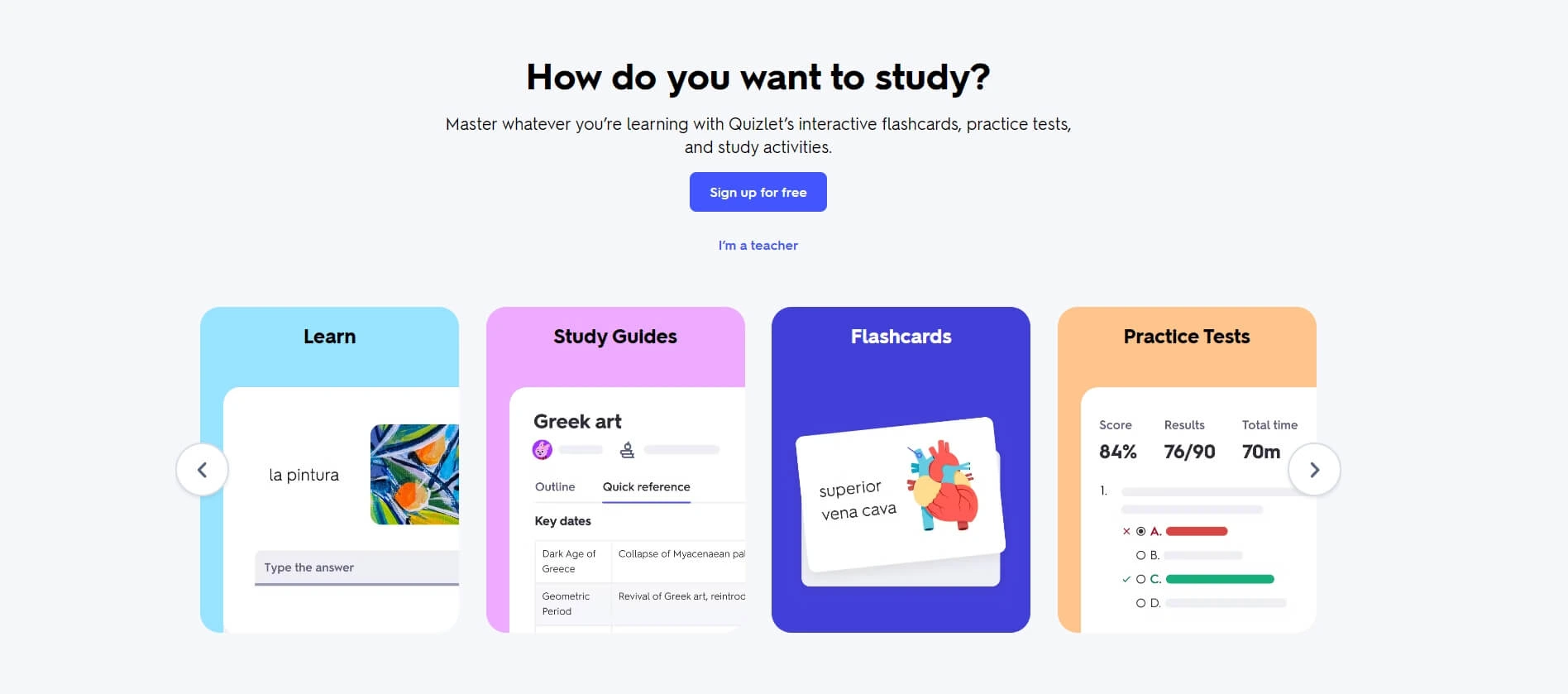
How to Use Quizlet with Netflix:
- Create Custom Flashcards: Just like with Anki, create flashcards based on the vocabulary you encounter while watching Netflix.
- Use Pre-Made Flashcards: Quizlet has a large database of user-created flashcards, so you can search for existing sets that match your language or show.
- Engage with Learning Games: Quizlet offers games like “Gravity” and “Match” to make learning more fun. After watching a Netflix episode, reinforce the vocabulary by playing a quick game.
Using Quizlet adds an element of fun to language learning and ensures that studying doesn’t feel like a chore.
3. FluentU
FluentU is unique because it uses real-world video content, including Netflix clips, to teach languages. FluentU offers interactive captions that allow you to click on any word to see its definition, usage, and pronunciation. It then provides quizzes and exercises based on the vocabulary from the video, making it an excellent complement to Netflix.
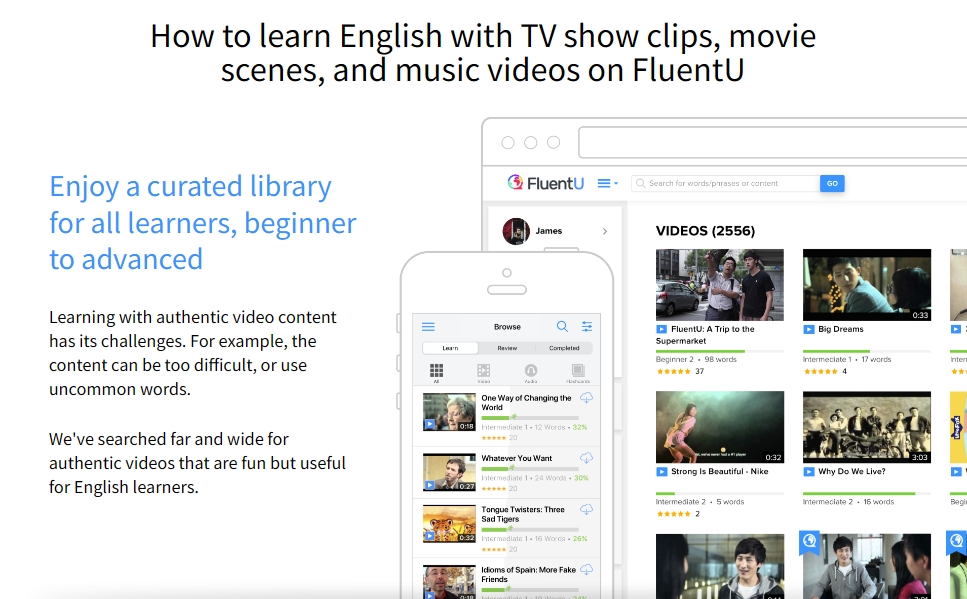
How to Use FluentU with Netflix:
- Watch Related Content: FluentU has a library of videos, including movie trailers, music videos, and news clips that can supplement what you’re watching on Netflix.
- Interactive Subtitles: As you watch, click on any word in the subtitles to get a detailed explanation. You can also add it to your vocabulary list for later review.
- Personalized Quizzes: FluentU tailors quizzes based on the words you’ve clicked on and reviewed, ensuring you’re tested on the exact vocabulary you’ve learned from watching.
FluentU works well for learners who enjoy multimedia content and need a more guided approach to studying the language they encounter in their Netflix shows.
4. Jolii
While Chrome extensions and flashcard apps are useful, they often require switching between tools and studying separately from the content itself.
Jolii takes a different approach by turning Netflix into a complete learning system directly on mobile.
Instead of just helping you understand content, Jolii is designed to help you move from watching to speaking through an active learning loop:
Watch → Learn → Speak → Review
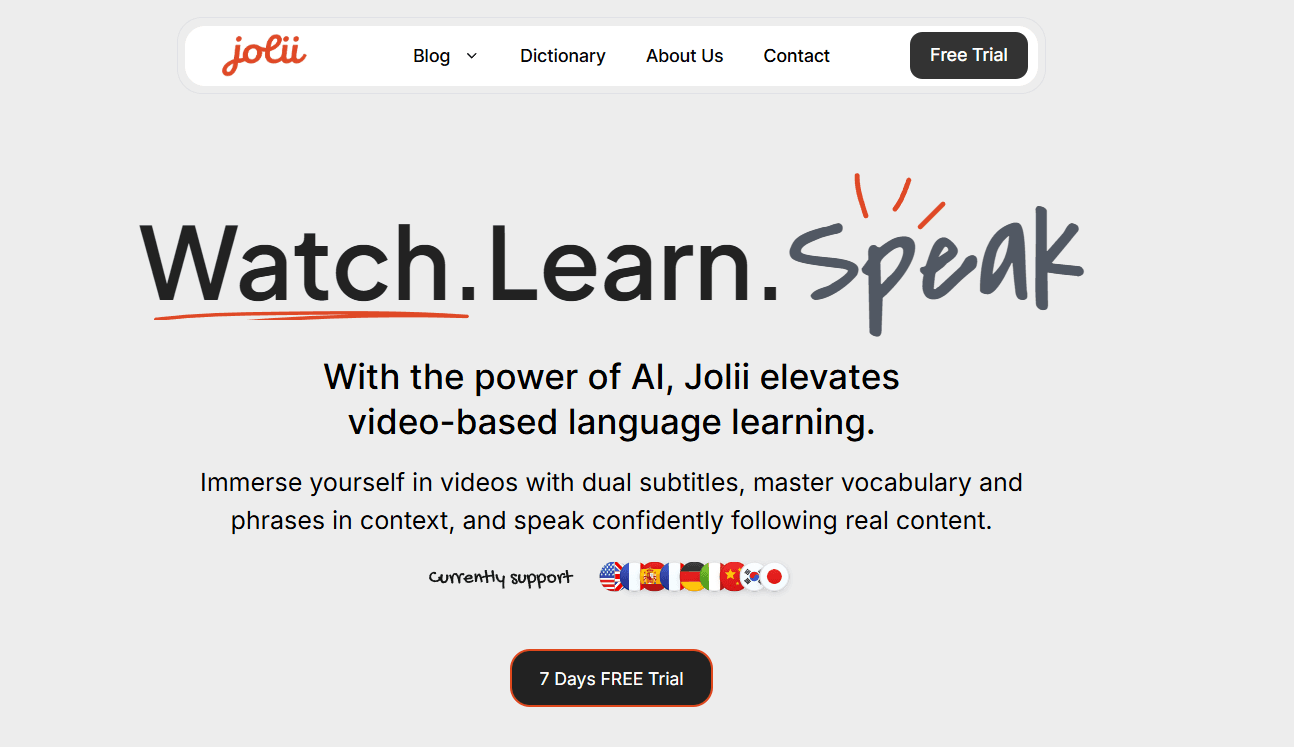
Key Features of Jolii:
- Flexible subtitles (dual, single, or no subtitles)
- Tap any word for instant meaning
- Save vocabulary in context
- Practice speaking with AI anytime
- Personalized review sessions based on mistakes
- Learn directly from Netflix content on mobile
Jolii is ideal for learners who already understand some content but want to finally start speaking with confidence.
Ways to Integrate Netflix into a Language Study Routine
While using Chrome extensions and apps like Anki and FluentU is important, they’re only effective when integrated into a structured routine. Here’s how you can make Netflix a key part of your language study routine.
1. Set Goals for Each Viewing Session
Before starting an episode or movie, set clear learning goals. Are you trying to improve your listening comprehension, learn new vocabulary, or focus on pronunciation? Having specific objectives will help you stay focused and make your viewing experience more productive.
- Example Goals:
- Learn 10 new vocabulary words.
- Understand the context of at least five new phrases.
- Improve listening skills by focusing on a particular accent or dialect.
2. Active vs. Passive Viewing
There are two types of viewing when using Netflix for language learning:
- Active Viewing: This involves watching with full attention, pausing to take notes, and using tools like LLN or Subtly to learn new vocabulary and grammar. This method is more time-consuming but highly effective for learning.
- Passive Viewing: Passive viewing is when you watch content in the target language without paying too much attention to learning. It helps with language immersion by allowing you to absorb the language naturally.
For the best results, you should aim for a balance between active and passive viewing.
3. Shadowing Technique
The shadowing technique involves repeating words and phrases as soon as you hear them. Choose a specific character or dialogue in the Netflix show and mimic their speech as closely as possible. This technique helps improve both pronunciation and intonation.
- How to Practice Shadowing:
- Pick a short scene.
- Play it multiple times, repeating after each line.
- Focus on matching the accent, rhythm, and tone.
4. Rewatching for Reinforcement
Don’t just watch an episode once. Rewatching is essential for language learning. The first time you watch, you might not catch every detail, but on subsequent viewings, you’ll start to understand more of the dialogue, jokes, and nuances. After studying vocabulary and grammar from an episode, rewatch it to test your comprehension.
5. Take Notes and Create a Journal
During active viewing sessions, take notes on new vocabulary, phrases, and grammar structures. Keep a dedicated language learning journal where you can jot down these insights and review them later. Pairing this with spaced repetition apps like Anki or Quizlet will ensure that these notes turn into long-term knowledge.
6. Use Subtitles Strategically
When watching Netflix, use subtitles as a tool rather than a crutch. At first, watch with subtitles in both your native language and the target language (using LLN). As you progress, try turning off your native language subtitles to challenge your understanding. Finally, work your way up to watching without any subtitles at all.
7. Watch a Variety of Genres
Watching a variety of genres is essential for expanding your vocabulary and improving your listening skills. Each genre—whether it’s a drama, comedy, thriller, or documentary—has its own set of vocabulary and idiomatic expressions. By diversifying your viewing content, you’ll be exposed to different types of language, from casual conversation to formal speech.
Conclusion
Whether you prefer browser extensions, flashcards, or a more complete mobile solution, the key is turning passive watching into active learning.
Tools like LLN and Anki can help with comprehension and vocabulary, while Jolii combines subtitles, speaking practice, and personalized review into one system designed to help learners move toward fluency.