Did you know that when looking for AI language learning apps age matters? That’s right. We found that apps that worked very well for adults did not work that well for children. And to make this a little more detailed, even the apps seemed to work for age groups. So, what would be perfect for a 4-year-old child would not be perfect for a pre-teen child as they are on different bands of learning abilities.
So, we will make the choice easier for you. Think of this as a review of some kind where we will tell you what works for your child and why. And we will be breaking this down into age groups. With that in mind, let’s start with our first app.

– Gus On the Go
For that early development period of age four to six, when you are trying to teach your child to be familiar with a new language.
This is a child-only app, and it has been around for a long time. As such, they have developed an engaging app for young children. This app will teach your child a new vocabulary in an engaging and fun way.
To give a short brief, you have a teacher called Gus, who is an owl. He takes short journeys prompted by your child, and along the way, he teaches your child the basic names, words, and phrases he finds along the way. Most of the vocabulary will relate to animals, modes of transport, clothes, body parts, and other basic things. It is very basic and simple.
What makes it engaging is that Gus will only take a trip prompted by your child. It takes on the look of a map with levels and obstacles that get more intensive as they go along. Your child will eventually learn about one hundred words across ten lessons. It is simple enough with spaced repetitions that will enhance memory.
Once the child is adequate and outgrows this app, they move on to their next app called Stories which takes on the make-up of a fairy tale and stories.
Furthermore, the apps are built to work on iOS and Android devices including Kindles.
Each of the apps in this series costs about $4 which also makes it very affordable for most people. However, there are some free printable lessons available.
Now, we look at the next app.

– Mondly Kids
If you have been learning a language yourself, then you are familiar with this app. But they do have a dedicated app just for children.
So, if your child is done with Gus on the Go, they can move on to Mondly Kids.
In terms of how it works, Mondly Kids is all about daily lessons. Your child is encouraged to take at least one lesson each day, and each lesson focuses on either new vocabulary or a grammatical point. The daily lesson takes about 10 minutes and kids are free to proceed with other lessons if they want. Mondly offers lessons based on topic and will cover animals, food, and others.
As it is crafted for children, it does have a different aesthetic from adult apps with fun cartoon-style graphics and child-like fonts. However, it is a very clean and easy-to-use interface.
We are going to say we love two specific features of this app. One is the review sessions for spaced repetitions which help move newly learned words from the short-term memory to the long-term memory. Second, it is the gamified experience of the page. Kids can build streaks that they risk losing if they don’t learn, earn points, and compete in leaderboards. The competitiveness of it encourages the kids to keep learning.
So based on the content, interface, and engagement, this app is built for children from ages 5 to 8 years.
So, cost. Mondly app has a free kid’s version which is quite good but for extra features, you can upgrade to the premium version for about $ 9. But did you know that if you pay for the Mondly app for adults, it comes with a kid’s version totally free? Well, there it is.
We should now look at the next language-learning app for children.

– Rosetta Stone
Another app that has an adult version and a kid-friendly version.
We like this app for children from age 8 years and above. This is because at this age they are school-going, and their language skills are better developed.
Rosetta Stone offers a comprehensive curriculum, and extensive lessons, and is built for the long term. So, your children will not run through the app’s resources in a matter of weeks or even months.
One of the greatest advantages of Rosetta Stone is the framework and teaching methodology. Whereas other apps focus on audio lessons and cartoons, Rosetta uses picture lessons and is therefore more interactive. By using pictures to teach, kids learn to associate things with words. This is the same way we all learned English as babies. You are shown a picture, and you are told its name or description. When done enough times, you catch on.
Another great feature of Rosetta Stone is its immersion framework. When your child picks a language, they want to learn, there will be very little English used in the learning experience. Again, this is how we learned English, there was barely any other language to fall back on. The only choice is to learn the language.
The review drills are also very interactive. Kids must pay attention to the exercises which rivals simply watching cartoons with subtitles. Coupled with the ton of material in the app, kids will probably use it for a long time before moving forward.
Finally, we must mention that Rosetta Stone’s cost is more reasonable than other apps of this level. They offer three premium levels of which the most favorable one being lifetime access for about $ 155. And this cost will feature all the languages offered. So, if you intend to expose your child to multiple languages, this app is definitely for you.
– LingoPie
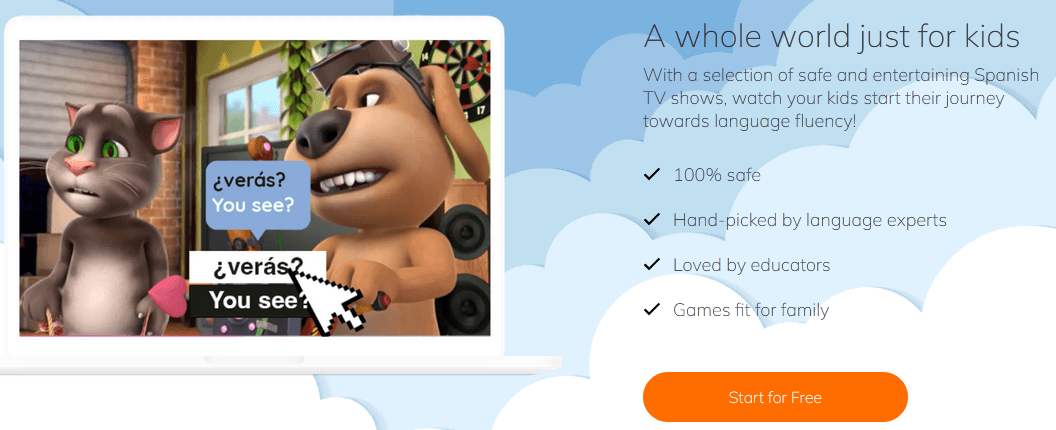
This is one of the best supplementary AI language learning apps for children. When your children are running through Mondly Kids’ or Rosetta Stone’s lessons and you feel like it is not enough, you turn to LingoPie. It is a video-on-order app that offers videos and movies in the language chosen.
It is also an app for adults but with a dedicated version for kids that offers the ability to generate video flashcards, English translations, and color-coded words. Think of it as Netflix for Kids but for learning languages. The best way to use this app is to let your children a few shows to help them remember their lessons.
It helps build an ear for their chosen language and develop fluency.
LingoPie is also a good deal in terms of cost as you can pay as little as $ 6 a month.
– Memrise
Finally, we have an app best for supporting your child’s language learning.
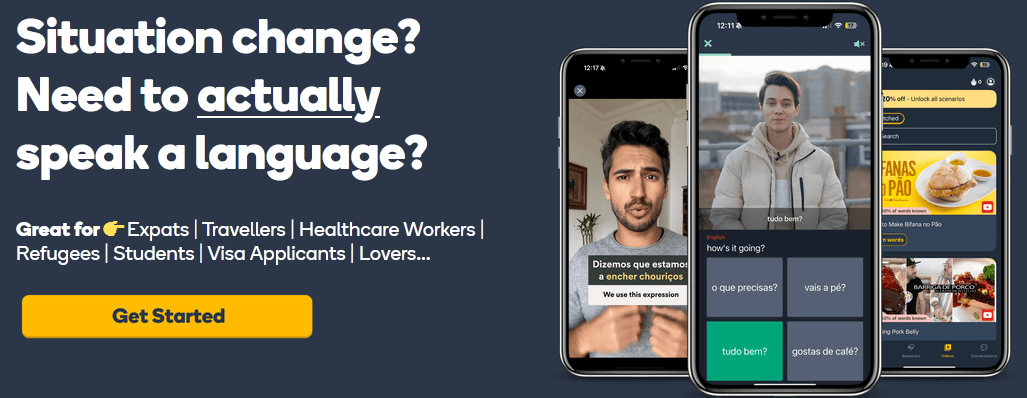
So, your child is probably using LingoPie and maybe some other mode of learning. How about an app that offers the ability to create a list of words you want to learn about, that features thousands of videos of native-speaking, and when you are ready, participate in conversation with the chatbot, Membot? All these are advantages you get when you make use of Memrise.
Furthermore, you can use it in conjunction with all your other modes of learning.
One thing we like about this app is the natural and authentic form of speaking and writing that will be encouraged by the app. So, your other apps may give you the words and phrases, but Memrise will teach you how to use the words. With user-generated content in addition to the Memrise content, you will never run out of lessons. Also, the lessons are completely random, you don’t need to follow a lesson plan, and you can jump from one course to another.
The only thing we can say may be a disadvantage is that Memrise may not be as affordable as other apps especially compared to Rosetta Stone. They offer three premium levels with a lifetime access fee is about $ 250. They do have a free account, but it is very limited.
However, that shouldn’t stop your child from learning a language with Memrise as the general experience will prove to be value-for-money.
Closing remarks
As you will see above, whichever app you choose to use will depend on your child’s age and learning ability. If your child is very young, let them travel with Gus on the Go. If a little older, try the Mondly Kids app.
However, if you are looking for an all-round app for your child or your child is slightly advanced in their language, go with Rosetta Stone. And remember you can use LingoPie and Memrise as supplementary sources of learning.
Overall, we hope you now have an idea of which app will be appropriate for your child’s language learning process.